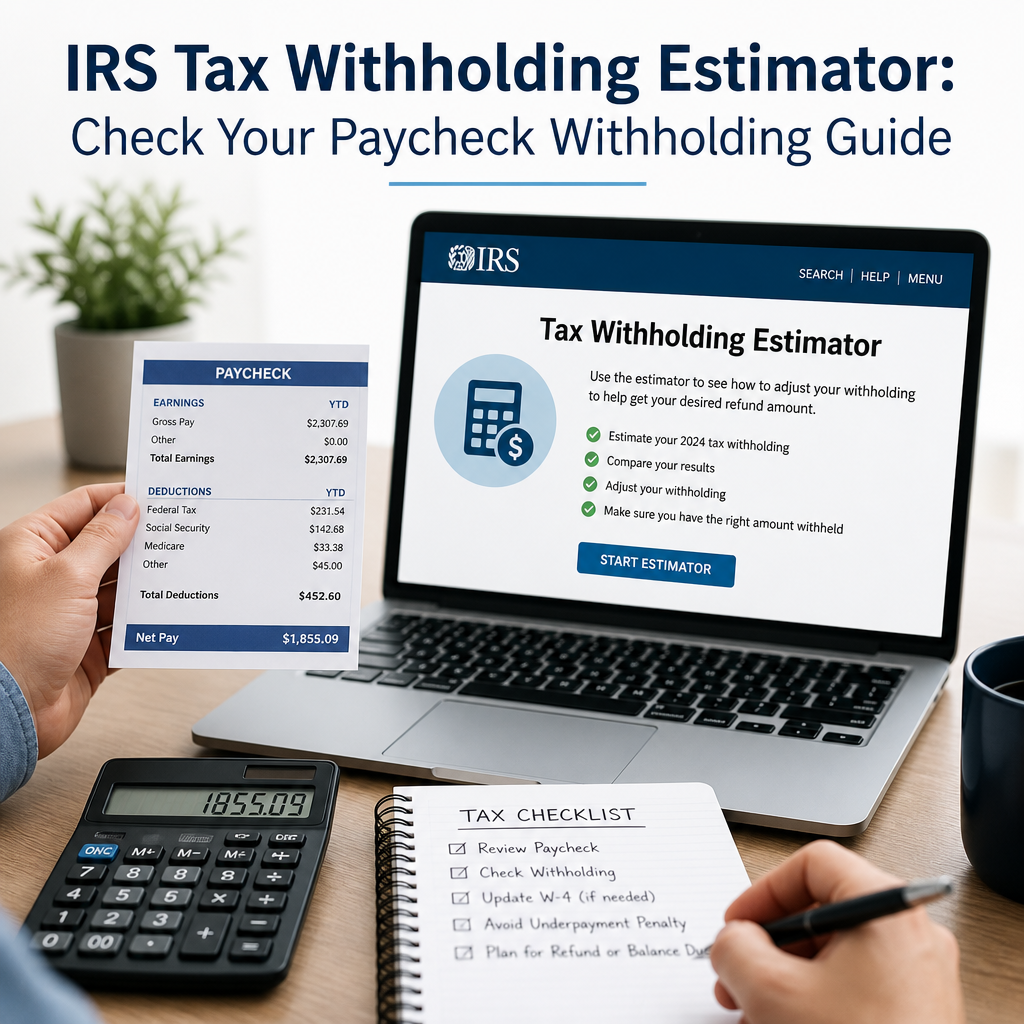
IRS Tax Withholding Estimator: Check Your Paycheck Withholding Guide
The IRS Tax Withholding Estimator makes it easy to see whether your paycheck withholding is on track, helping you avoid a surprise tax bill or an oversized refund. By checking your numbers during the year, you can decide whether it’s time to update your W-4 and take better control of your cash flow.
By: Mary Mitchell on July 28, 2026
If you’ve ever looked at your paycheck and wondered whether too much or too little federal income tax is being withheld, the IRS Tax Withholding Estimator can help you get answers fast. This free online tool is designed to show whether your current paycheck withholding is on track and whether you may need to update your W-4 form.
For many people, tax withholding feels like a once-a-year issue—until a surprise refund or an unexpected tax bill shows up. Checking your withholding during the year can help you avoid both. It can also make your paycheck more predictable and give you better control over your cash flow.
In this guide, you’ll learn how the IRS Tax Withholding Estimator works, when to use it, what information you need, and how to adjust your withholding if the results suggest a change.
What Is the IRS Tax Withholding Estimator?
The IRS Tax Withholding Estimator is an online calculator that helps employees estimate whether enough federal income tax is being withheld from their wages. It compares your expected tax liability for the year with the amount already withheld from your paychecks.
In simple terms, it helps answer questions like:
Will I owe taxes when I file?
Am I getting too large of a refund?
Should I submit a new W-4 to my employer?
The tool is especially useful because tax situations change. A raise, a second job, a new baby, marriage, divorce, freelance income, or a change in deductions can all affect your withholding.
Why withholding matters
Withholding is a pay-as-you-go system. Your employer sends part of your earnings to the IRS throughout the year, based on the information on your Form W-4.
If too little is withheld, you may owe taxes and possibly penalties when you file. If too much is withheld, you may receive a refund—but that means you gave the government an interest-free loan all year.
Why You Should Check Your Paycheck Withholding
Many taxpayers assume their withholding is correct because they filled out a W-4 once and never changed it. But life events and tax law changes can make old settings inaccurate.
Checking your withholding can help you:
Avoid a large tax bill in April
Reduce the chance of underpayment penalties
Prevent over-withholding and improve take-home pay
Adjust for multiple jobs or dual-income households
Reflect income from side work, bonuses, or retirement income
Common situations that affect withholding
Consider using the IRS Tax Withholding Estimator if you:
Started a new job
Got married or divorced
Had a child or another dependent
Took on a second job
Became self-employed part time
Received a large bonus or commission
Changed your filing status
Purchased a home or began itemizing deductions
Recently retired and receive a pension or taxable IRA distributions
Even if nothing major changed, it’s smart to review your withholding at least once a year, especially after tax law updates or big income changes.
How the IRS Tax Withholding Estimator Works
The estimator uses your income, filing status, family details, and current withholding to estimate whether your paycheck withholding is aligned with your annual tax obligation.
It does not file taxes for you. Instead, it helps you make an informed decision about whether to update your Form W-4.
What the estimator considers
The tool typically asks for:
Your filing status
Wages from each job
Federal income tax withheld so far this year
Expected bonuses or supplemental pay
Other income, such as interest, dividends, or self-employment income
Deductions and credits, if relevant
Dependents, if applicable
If you use the estimator carefully, it can generate a recommended W-4 adjustment or show whether your current withholding is likely on target.
How to Use the IRS Tax Withholding Estimator
Using the tool is straightforward, but accuracy depends on the quality of the information you enter. Gather your documents first so you can complete it in one sitting.
Step 1: Collect your pay stubs
You’ll want recent pay stubs from each job. These should show:
Gross pay year to date
Federal income tax withheld year to date
Pay frequency
Pretax deductions, if applicable
If you have more than one job, collect pay information for all of them.
Step 2: Review your most recent tax return
Have your last tax return nearby, especially if your life situation hasn’t changed much. It can help you confirm:
Filing status
Dependents
Tax credits
Itemized deductions or standard deduction details
Step 3: Gather income and deduction estimates
The estimator works best when you include all relevant income, such as:
Wages
Bonuses
Freelance earnings
Interest and dividends
Retirement income
Unemployment compensation
You should also estimate deductions and credits if they affect your tax picture.
Step 4: Enter your information into the tool
The IRS Tax Withholding Estimator will guide you through a series of questions. Answer carefully and consistently. If you’re unsure about a number, use your best estimate and stay realistic.
The tool may provide one of these outcomes:
Your withholding appears adequate
You may owe tax
You may be due a larger-than-expected refund
You may want to adjust your W-4 withholding
Step 5: Save or print the results
If the estimator recommends a change, save the recommendation. You may need it when filling out your updated W-4 form.
How to Adjust Your Withholding After Using the Estimator
If the estimator shows your paycheck withholding needs adjustment, the next step is usually to update Form W-4 with your employer.
Understanding Form W-4
Form W-4 tells your employer how much federal income tax to withhold from your wages. Since the form was redesigned, it no longer uses the old “allowances” system.
Instead, it focuses on:
Filing status
Multiple jobs
Dependents
Other income
Deductions
Extra withholding amounts
Common W-4 adjustments
Depending on your situation, you may need to:
Claim dependents accurately
Add extra withholding per paycheck
Check the box for multiple jobs, if applicable
Adjust for other income
Reduce withholding if too much is being taken out
Practical example
Suppose you and your spouse both work, and your household income increased during the year. Your combined withholding might be too low if both employers are withholding as if each job were your only source of income.
In that case, the estimator may suggest:
Completing the multiple jobs worksheet
Using the online estimator’s recommendation
Adding an extra amount to withhold from one paycheck
That small adjustment could prevent a surprise tax bill later.
When to Recheck Your Withholding
One check at the beginning of the year is helpful, but it’s not always enough. You should revisit the IRS Tax Withholding Estimator whenever your tax situation changes.
Good times to recheck
After a new job starts
When you get married or divorced
After the birth or adoption of a child
If you or your spouse gets a raise or bonus
When you start freelance or gig work
If you move to a different state
After changes in retirement income
Before year-end, to catch problems early
Why year-end checks can help
If you discover a withholding issue late in the year, you may still be able to fix it with a W-4 update before the year ends. Even a few remaining pay periods can make a difference.
Tips for Getting the Most Accurate Results
The IRS Tax Withholding Estimator is only as useful as the information you put into it. A few smart habits can improve your results.
Be realistic with estimates
Don’t guess too optimistically. If you expect fluctuating income, use conservative numbers that reflect likely totals.
Include all jobs and income sources
Leaving out a second job, freelance income, or taxable investment income can make the estimate less accurate.
Use year-to-date figures
Current year-to-date numbers from your pay stub are more helpful than estimating from memory.
Re-run the estimator after major changes
A promotion, side income, or family event can quickly change your tax outcome. Recheck when needed.
Keep copies of your W-4 updates
If you submit a new W-4, save a copy for your records in case you need to verify what changed.
Common Mistakes to Avoid
Many people use the IRS Tax Withholding Estimator incorrectly without realizing it. Avoid these common errors:
Using outdated pay stub information
Forgetting to include a spouse’s income
Ignoring bonuses or commissions
Leaving out unemployment or self-employment income
Assuming a refund means withholding is perfect
Not updating the W-4 after the estimator recommends a change
A large refund may feel good, but it doesn’t always mean your withholding is efficient. The goal is accuracy, not just a refund.
IRS Tax Withholding Estimator and Tax Planning
Good withholding is part of smart year-round tax planning. It can help you avoid stress at tax time and reduce the chance of penalties.
If you’re managing your finances closely, you can use the estimator alongside other tax planning habits, such as:
Tracking deductible expenses
Estimating quarterly taxes if self-employed
Monitoring bonus and commission income
Reviewing retirement contributions
Checking whether you qualify for credits or deductions
For households with multiple earners or mixed income sources, this kind of planning can make a big difference.
Frequently Asked Questions
1. What is the IRS Tax Withholding Estimator used for?
The IRS Tax Withholding Estimator helps you determine whether enough federal income tax is being withheld from your paycheck. It compares your current withholding with your expected tax for the year and helps you decide whether to change your W-4.
2. Do I need to use the estimator every year?
You don’t have to, but it’s a smart idea to check your withholding at least once a year or whenever your financial situation changes. Life events, side income, or a raise can all affect your tax outcome.
3. Can the estimator tell me exactly how much refund I’ll get?
No. It provides an estimate based on the information you enter. It can help you understand whether your withholding is likely too high or too low, but your actual refund or tax bill may differ when you file.
4. What should I do if the estimator says I may owe taxes?
If the estimator shows that you may owe tax, you can usually update your Form W-4 to increase withholding for the rest of the year. This may reduce or eliminate what you owe when you file.
5. Is the estimator only for people with one job?
No. It’s especially helpful for people with multiple jobs, a working spouse, side income, or other complicated tax situations. It can still be useful for single-job households, too, because tax situations often change during the year.
The IRS Tax Withholding Estimator is one of the simplest tools available for checking whether your paycheck withholding is on track. Instead of waiting until tax season to discover a problem, you can review your income, deductions, and year-to-date withholding now and make adjustments before small issues turn into bigger ones.
A quick check can help you avoid underpaying, reduce tax-time stress, and make sure you’re not giving the government more of your paycheck than necessary. For many people, that means better budgeting during the year and fewer surprises when filing a return. If your finances have changed recently—or if you simply haven’t reviewed your withholding in a while—now is a good time to take a closer look.
By using the estimator carefully and updating your Form W-4 when needed, you can stay in control of your tax picture and make more informed financial decisions throughout the year.
Mary S, CFP®, is a Certified Financial Planner with over 12 years of experience in personal finance, retirement planning, and wealth management. She writes educational content that helps readers understand financial concepts and make informed decisions based on reliable information.